
Acumatica 2026 R2: AI-powered ERP for smarter, faster decision-making
Published on: 6 October 2026

Acumatica 2026 R2 is now available, bringing significant developments in artificial intelligence, automation, analytics and industry-specific functionality to Acumatica Cloud ERP.
The latest release represents another step in Acumatica’s move from a traditional ERP ‘system of record’ towards what it describes as a ‘System of Intelligence’ – helping businesses not only understand what has happened, but identify issues, automate processes and make better-informed decisions using their ERP data.
From practical AI embedded into everyday workflows to faster analytics and enhanced industry functionality, here are some of the highlights.
Put AI to work within your ERP
AI is at the heart of Acumatica 2026 R2, with new and expanded capabilities designed to help users find information, identify issues and automate everyday tasks.
AI Assistant: turn ERP data into answers
Acumatica AI Assistant allows users to ask questions in natural language and receive answers based on their ERP data.
Instead of extracting information and building reports manually, users could ask:
The AI Assistant can present information as text, tables, charts and pivot tables, with links to the relevant records in Acumatica. Frequently used queries can also be turned into reusable dashboard widgets and refined through further conversation.
It can also help users understand how to carry out tasks within Acumatica, helping people use the ERP system more effectively.
This has the potential to make valuable ERP data much more accessible, particularly for users who don’t have specialist reporting or data analysis skills.
AI automation, agents and anomaly detection
AI Automation takes this further by allowing businesses to automate actions and multi-step processes using AI Agents, workflows and Business Event triggers.
Potential applications include:
AI-powered anomaly detection can also surface unusual patterns or exceptions, helping teams identify issues sooner and manage by exception rather than continually searching for problems.
Connect AI securely to Acumatica data
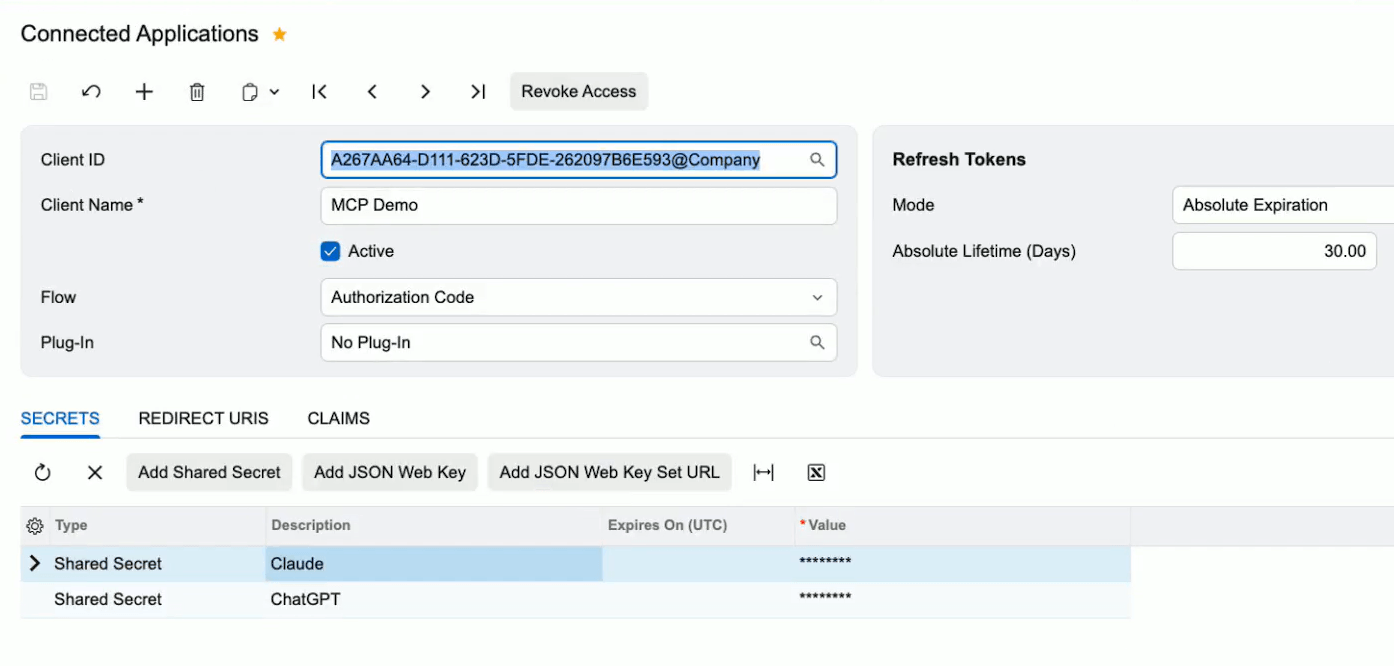
Another important development is Acumatica’s support for Model Context Protocol (MCP). MCP provides a governed way for approved AI tools and platforms such as ChatGPT, Claude and Gemini, as well as other MCP-compatible services, to connect with Acumatica.
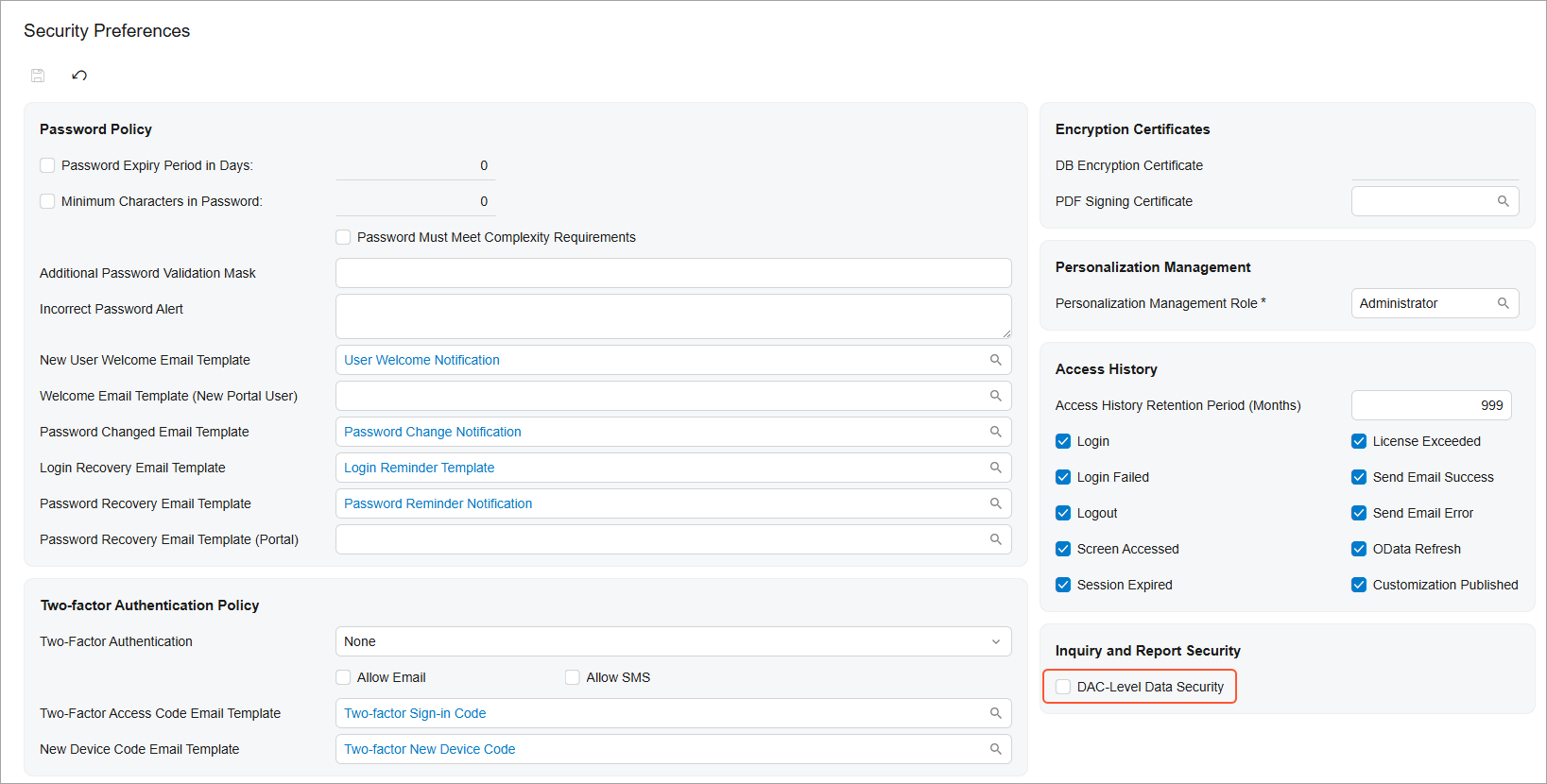
Rather than exporting or duplicating data into separate AI workspaces, administrators can make approved, read-only information available while retaining Acumatica’s existing user access rights and security controls. This gives organisations a route to explore generative AI using live business information while maintaining control over who can access what.
Acumatica is no longer just recording what happened. It’s helping your teams understand why it happened and what to do next.
Faster reporting and analytics
Acumatica 2026 R2 strengthens the reporting foundation behind the platform, with improvements designed to make larger and more complex datasets faster to work with.
The new native data warehouse architecture separates analytical workloads from day-to-day transactional processing, so businesses can benefit from faster dashboards and reporting, reduced database contention and improved scalability.
Key developments include:
By reducing the impact of analytical workloads on everyday transactional processing, businesses can gain faster access to information without compromising operational performance.
More capability for distribution and commerce
For Distribution businesses, 2026 R2 introduces Available-to-Promise (ATP), providing greater visibility of projected supply and demand and helping teams give customers more achievable delivery dates.
Further enhancements strengthen inventory planning, supply chain visibility and warehouse and fulfilment processes. Commerce functionality also continues to develop, with improvements across:
For organisations operating across multiple sales channels, the aim is a more connected flow of orders, stock and customer information between commerce platforms and ERP.
Industry-specific improvements
Beyond Distribution, Acumatica 2026 R2 introduces further developments across its industry editions.
Manufacturing
Advanced Planning & Scheduling (APS) capabilities help businesses plan production more effectively around available capacity and resources.
Enhancements to the Shop Floor Kiosk and production reporting also make it easier to capture and access information from the factory floor, supporting better visibility of production activity and performance.
Financial Management
New payment and financial management capabilities include enhanced vendor payment automation through BILL and AvidXchange, improved payment visibility and greater automation across financial processes.
Construction
New portal capabilities improve collaboration with vendors and subcontractors, alongside enhancements to project communications, project structures, budgeting and change management.
Service Management
A modernised Service Management application and improved mobile experience make it easier for field teams to access and update information wherever they’re working.
A modern experience from end to end
The Modern UI is now the default Acumatica experience, bringing more consistent navigation and usability across the platform and providing the foundation for its expanding AI capabilities.
2026 R2 also brings improvements including mobile clock-in and clock-out and greater visibility of licence and resource consumption.
The Classic UI remains available for Classic-only screens in 2026 R2, but is scheduled for retirement beginning with 2027 R1, so existing customers should now be preparing any remaining forms, dashboards and customisations for the move.
What does Acumatica 2026 R2 mean for businesses?
What stands out about 2026 R2 isn’t simply that Acumatica has added more AI.
AI, automation and analytics are becoming part of the ERP workflows people already use – helping them find answers faster, spot exceptions and automate routine activity without introducing another collection of disconnected tools.
At the same time, continued investment in Distribution, Manufacturing, Commerce, Financial Management, Construction and Service Management means the core ERP platform continues to develop alongside these new technologies.
For existing Acumatica customers, 2026 R2 creates opportunities to improve how teams work with the system today. For organisations considering a new ERP platform, it demonstrates how Acumatica is combining practical AI with the industry-specific functionality needed to run the business.
